A complete walkthrough of the EVPS-1000X theme — first the client-area experience your customers use every day, then the administrator surfaces you use to run and customise it. Screenshots are from a live WHMCS 8.13 install.
Part 1 — For clients
Your dashboard
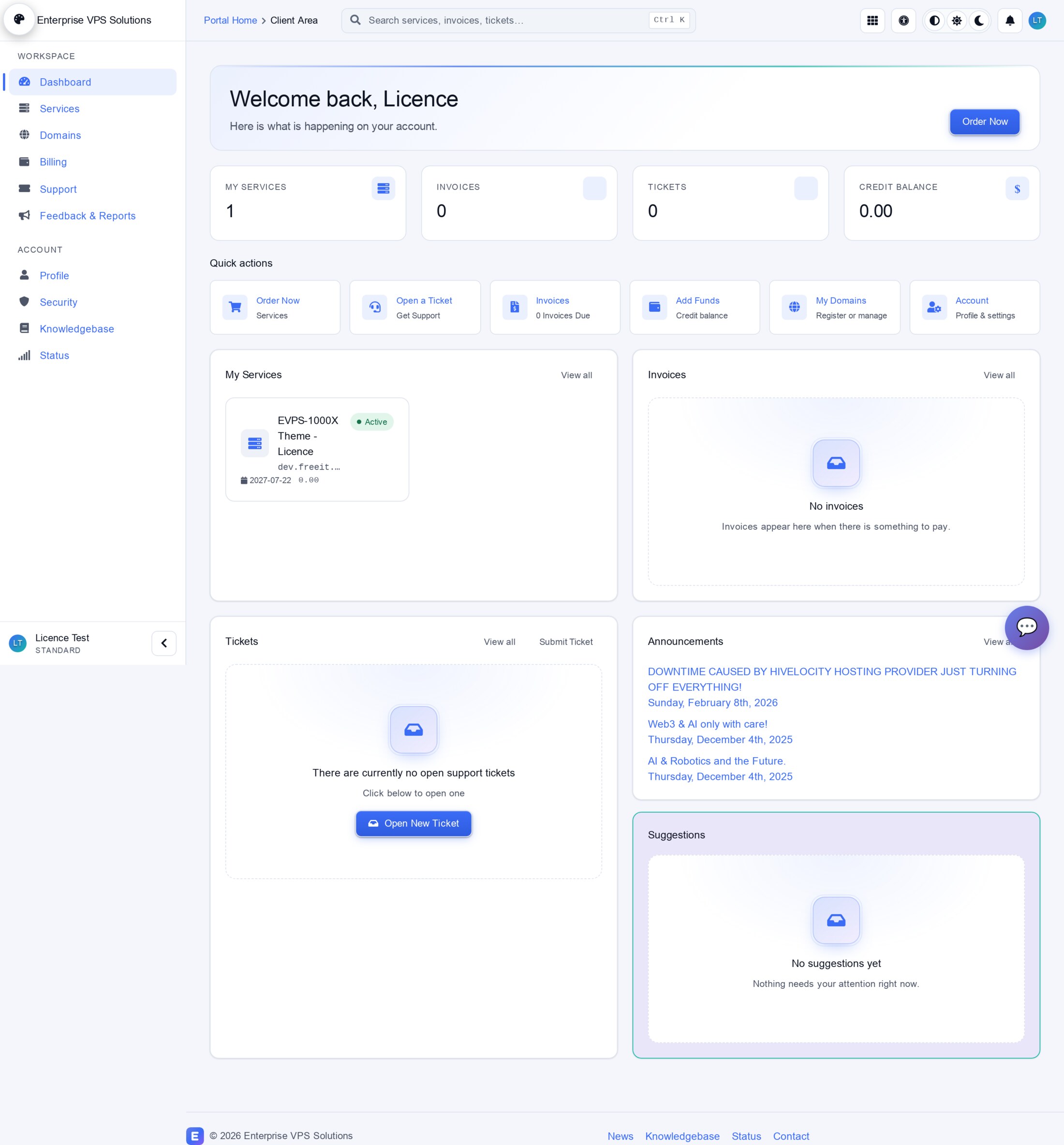
The client home is a real dashboard, not a link list: live tiles for services, invoices, tickets and credit balance, quick actions, and a ⌘K / Ctrl-K command palette in the top bar to jump anywhere instantly.
Personalise your area & accessibility
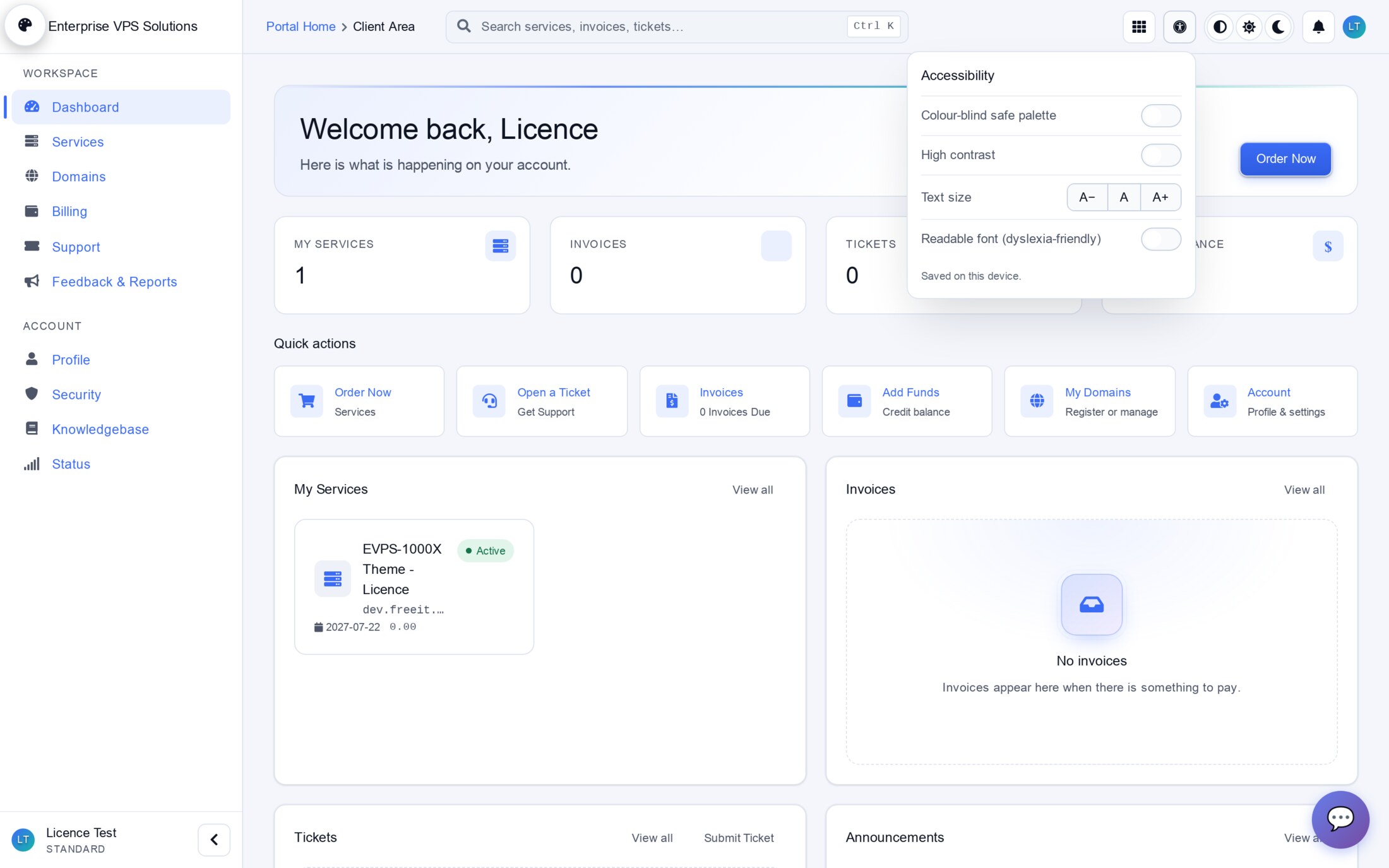
Every client can tailor their own experience — it never changes what anyone else sees. From the top bar they can switch light / dark / auto, and open the Accessibility panel for a colour-blind-safe palette, high contrast, larger text and a dyslexia-friendly font. Choices are saved per client.
Manage your services
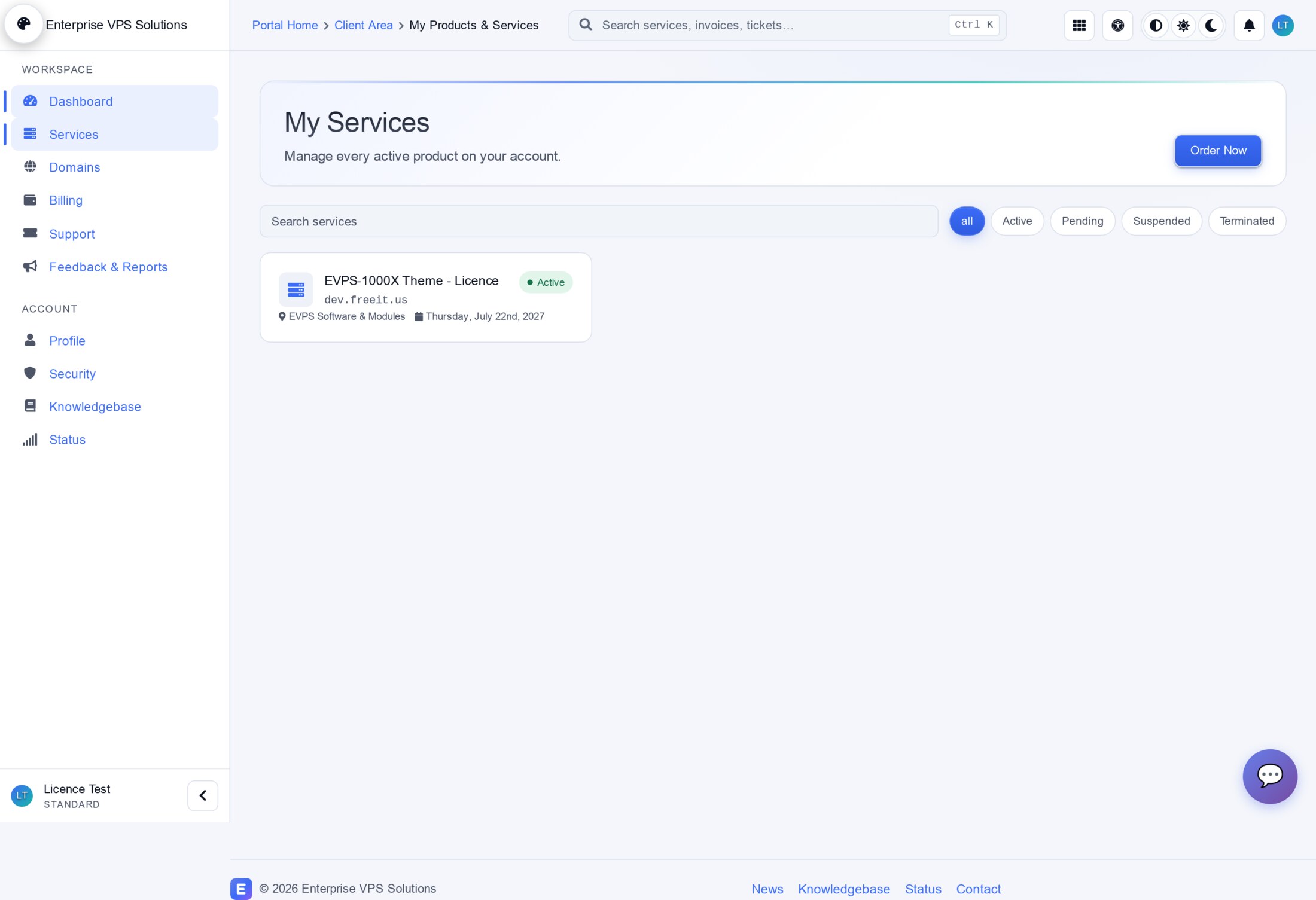
The Services page lists every product with quick filters (Active / Pending / Suspended / Terminated) and search.
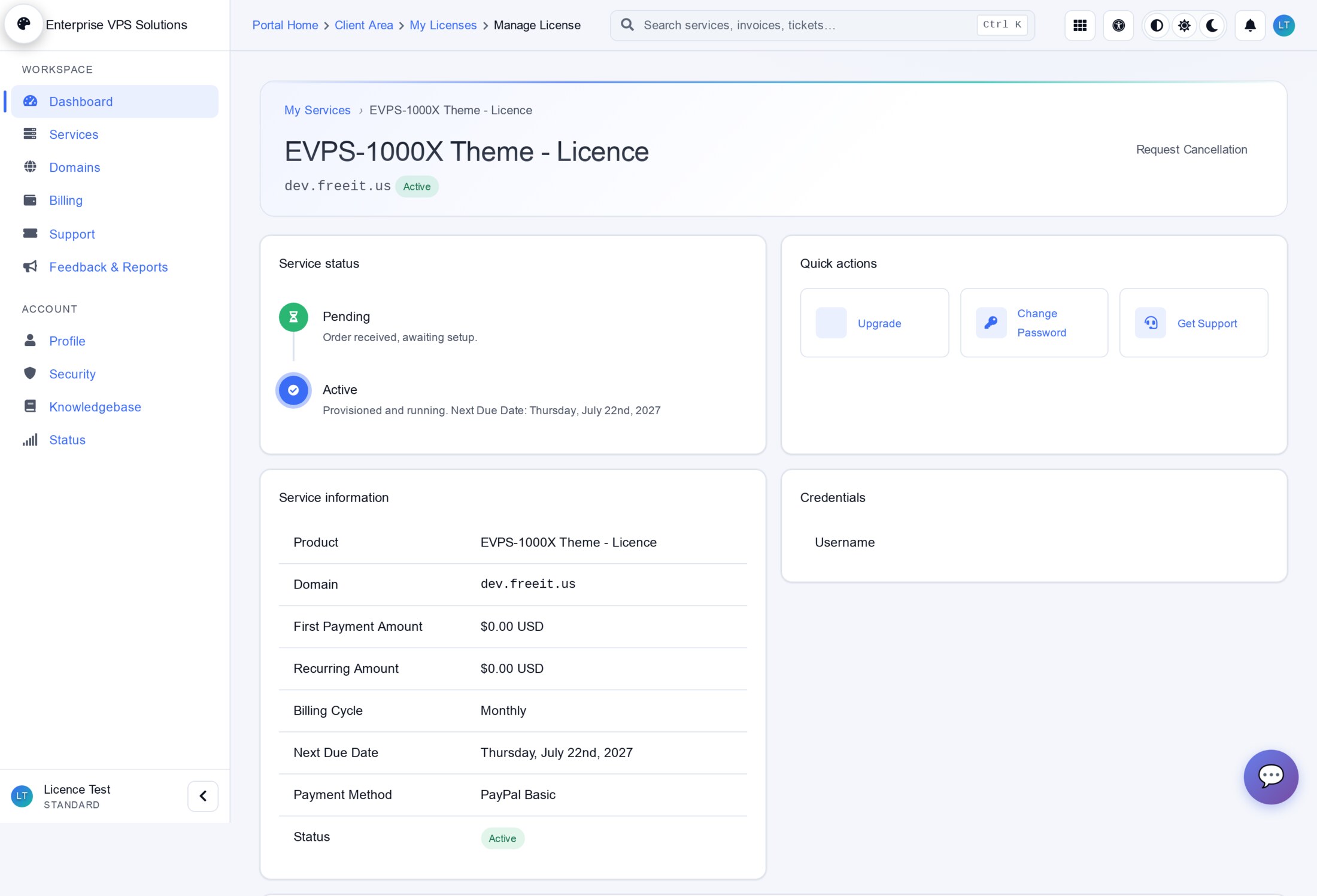
Opening a service shows its status timeline, quick actions (upgrade, change password, get support), full service information and any credentials — with rich, lazy-loaded tabs for deeper management.
Billing & invoices
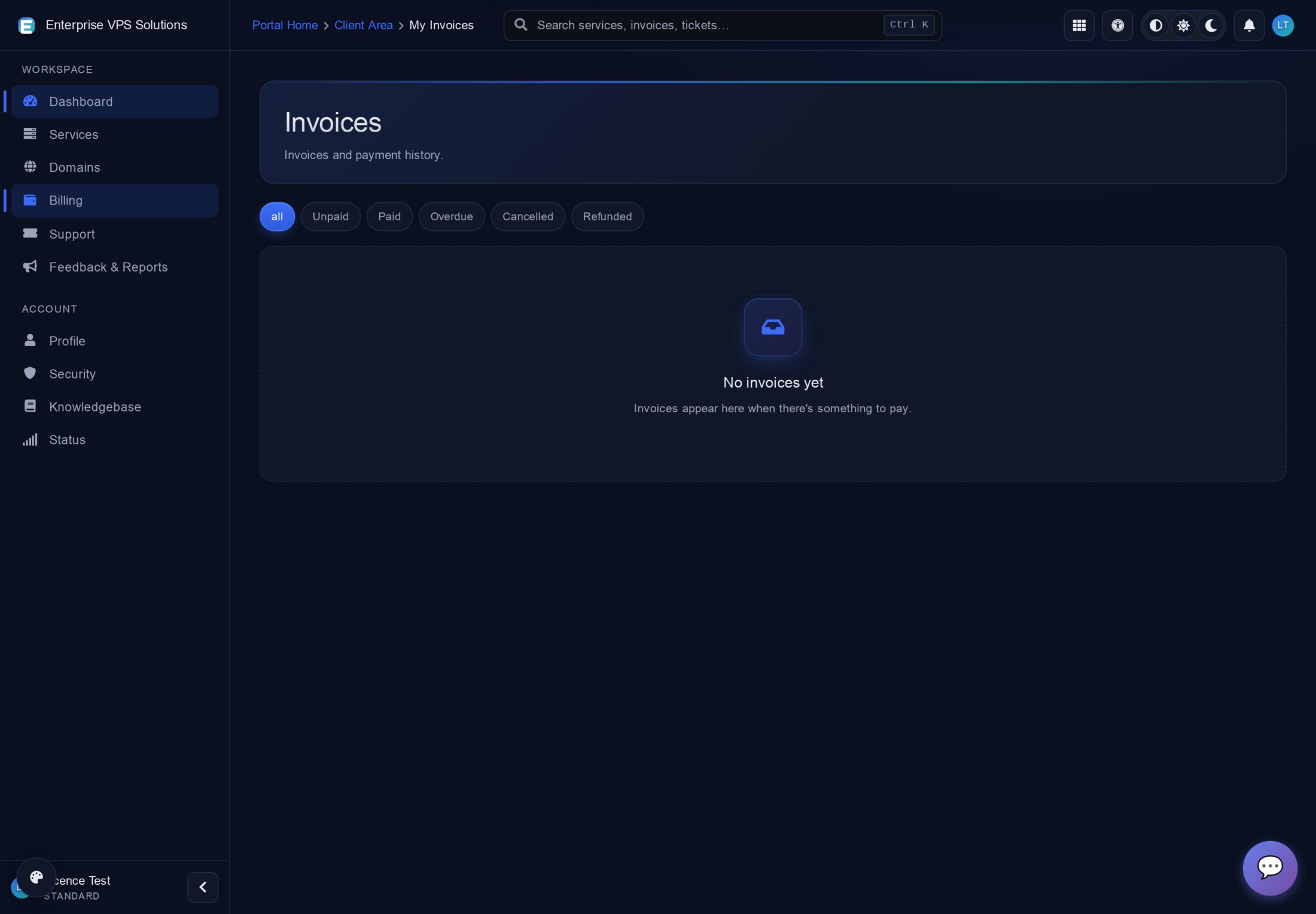
Invoices are filterable by status (All / Unpaid / Paid / Overdue / Cancelled / Refunded), with clean, friendly empty states when there is nothing due.
Your account & security
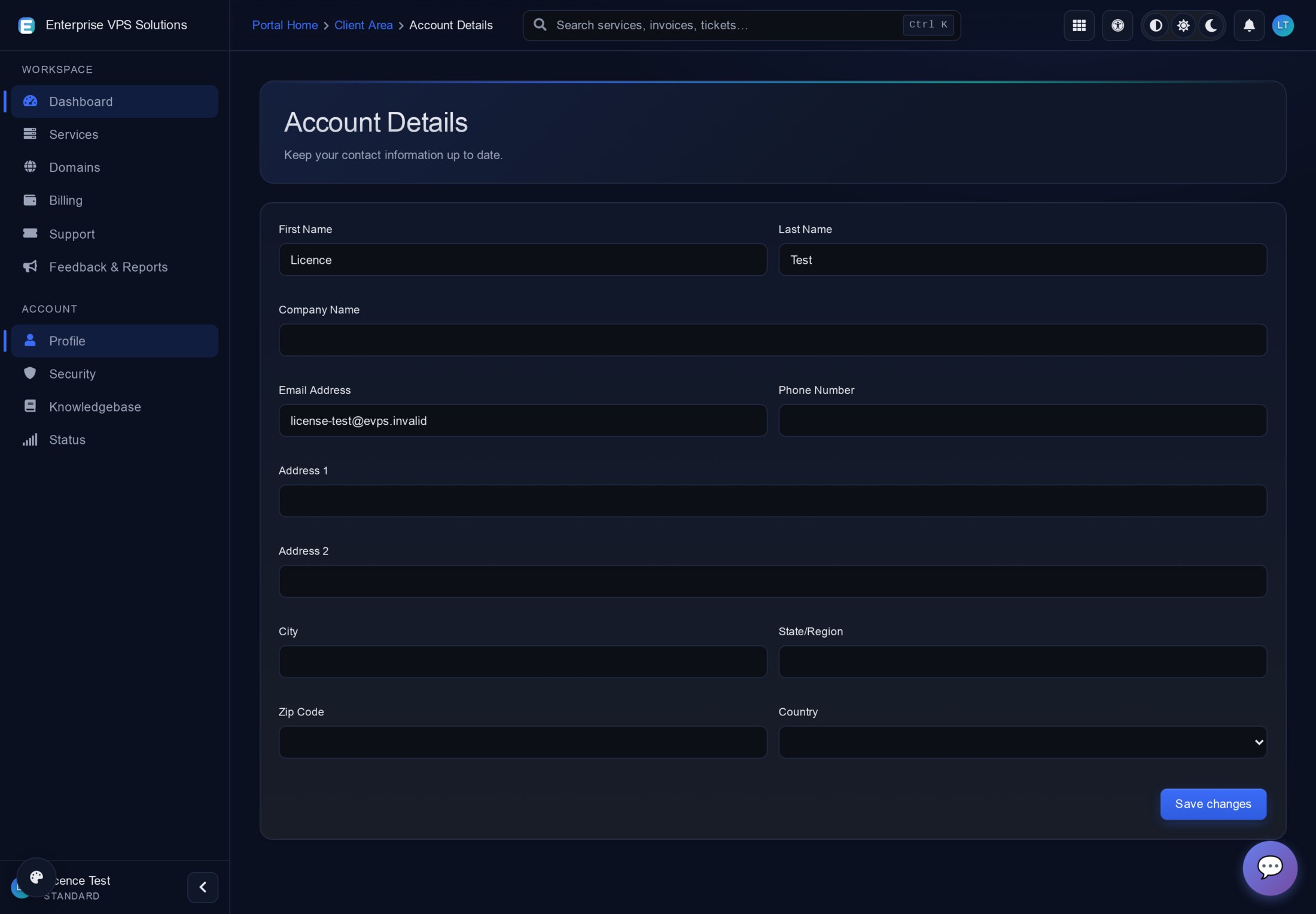
Clients keep their own contact and billing details up to date from Account Details…
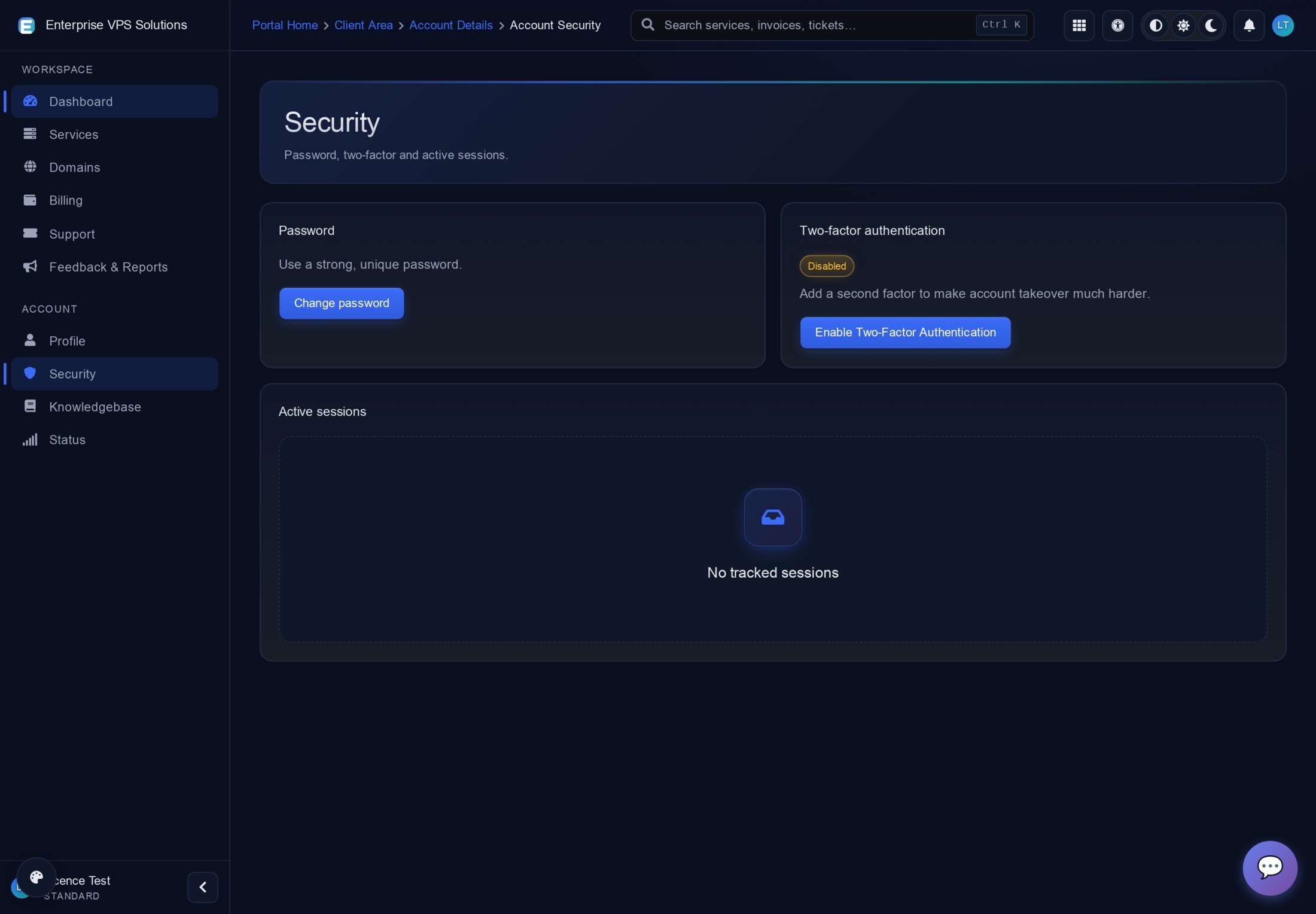
…and secure the account from the Security page: change password, enable two-factor authentication, and review active sessions.
Domains, support & knowledgebase
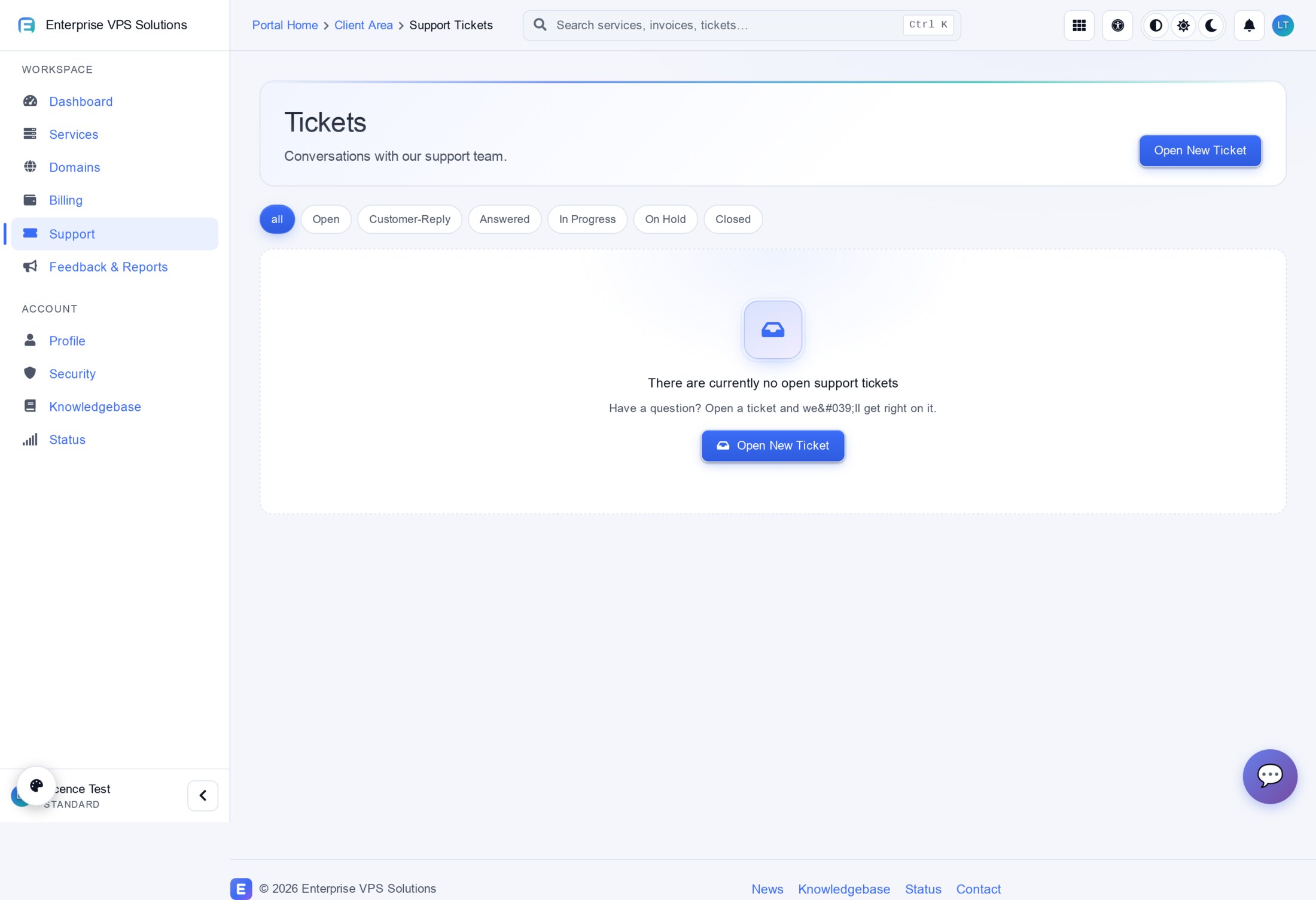
Domains, support tickets (filterable by status) and the knowledgebase all inherit the same polished, responsive design and empty states.
The command palette
Press ⌘K (macOS) or Ctrl-K (Windows/Linux) from anywhere to search services, invoices, tickets and pages and jump straight there — the fastest way around the client area.
Part 2 — For administrators
Everything below is managed from Addons → EVPS-1000X Theme Engine. No file editing is needed for day-to-day work; changes are written by the engine and take effect immediately.
Mission Control
The landing dashboard: module tiles for every management surface, a business-at-a-glance strip (sales, MRR, open tickets, pending orders, overdue invoices, active services), a revenue trend, and live module-health and activity panels.
Appearance
One-click theming: pick from built-in colour presets (Midnight, Aurora, Royal, Sunset, Forest, Crimson, Ocean, Nord, Dracula, Tokyo Night, Catppuccin, Gruvbox, Solarized, One Dark, Rosé Pine, GitHub…), set default mode (Light / Dark / Auto) and density (Compact / Comfortable / Spacious), and choose an Experience — Classic, Aurora Pro, Glass, Minimal or Corporate. You also set how much clients may personalise (Locked / Light & Dark only / Full skins + accents).
Style Manager
The power-user complement to Appearance: granular control over every design token, organised by area — Colours (Primary / Secondary / Accent / Success / Warning / Danger, each with main, darker, active, gradient and soft-background), Typography, General, Sections, Buttons, Dark Mode, and a Custom CSS tab. Saves regenerate the stylesheet for you.
Page Builder
Build section-based landing pages (hero, features, pricing, FAQ, CTA and more). The home page can replace the static hero when published, and one-click starter templates (Hosting homepage, Pricing page, About page) get you started fast.
SEO Manager & Schema Builder
SEO Manager injects meta, robots, canonical, Open Graph and Twitter tags into every client-area page head, and toggles JSON-LD (Organization, WebSite + SearchAction, BreadcrumbList, Article/NewsArticle). Schema Builder lets you build and validate custom schema.org JSON-LD blocks, assign them site-wide or to specific paths, and see live structured-data coverage across crawled pages.
Navigation, promotions & multi-brand
Menu Manager enables, reorders and relabels client-area navigation. Promotions schedules promo banners with placements and targeting. Widget Registry controls dashboard tiles, service tabs and admin widgets. Multi-brand runs multiple brands from one install, each with its own colours, logos and domain mapping.
Diagnostics & safety
Diagnostics and Debug Mode run health checks across tables, migrations, assets, hooks and cron, with full tracing of hook fires and errors. The Audit Log records every settings change, upload and admin action. A licence or configuration problem never destroys data or blanks the client area — the theme fails safe and shows administrators a clear, actionable notice.
Tip: the same feature tour with live, larger screenshots is on the product page — open any image to enlarge it.